

Connect MCP to
ChatGPT and Claude
to search, summarize,
and create
meeting
minutes by conversation
Use Airepoto’s key features simply by chatting with the AI you already use.
-
 ChatGPTVerified MCP Appcodex mcp add airepoto –url https://svcsmcp
-
 ClaudeVerified MCP Connector
Connect Airepoto to the ChatGPT and Claude
you already use
Start by simply asking the AI how to connect — no complicated setup required
What is MCP?
MCP (Model Context Protocol) is a standard way for AI agents like ChatGPT and Claude to connect securely with external services
-
Connection method ①
Simply ask ChatGPT or Claude, and follow the guided response to connect
If Airepoto isn’t connected yet, tell me how to connect it. Also, read the Airepoto MCP user guide and show me how to use it


We’ll walk you through how to connect Airepoto, step by step
- Step 1AirepotoSearch in app directory
- Step 2Check connection statusSelect Connect
- Step 3Google SSO sign-in and authorizationSign in to Airepoto using Google SSO
-
Connection method ②
Connect to a terminal AI agent with a single command line
-

claude mcp add --transport http --client-id airepoto-mcp --callback-port 8765 airepoto https://svcsmcp.airepoto.com/mcp -

codex mcp add airepoto --url https://svcsmcp.
airepoto.com/mcp --oauth-client-id airepoto-mcp
* Before running the command, Airepoto must not already be registered in the AI agent
-
Search, create, and manage your account
— all through conversation
Connect Airepoto via MCP, and get the answers you need from
ChatGPT or Claude with just one line of a question.
Keyword search and summary lookup for meeting minutes
Search meeting minutes by keyword and view details,the full transcript, and the AI summary all at once.
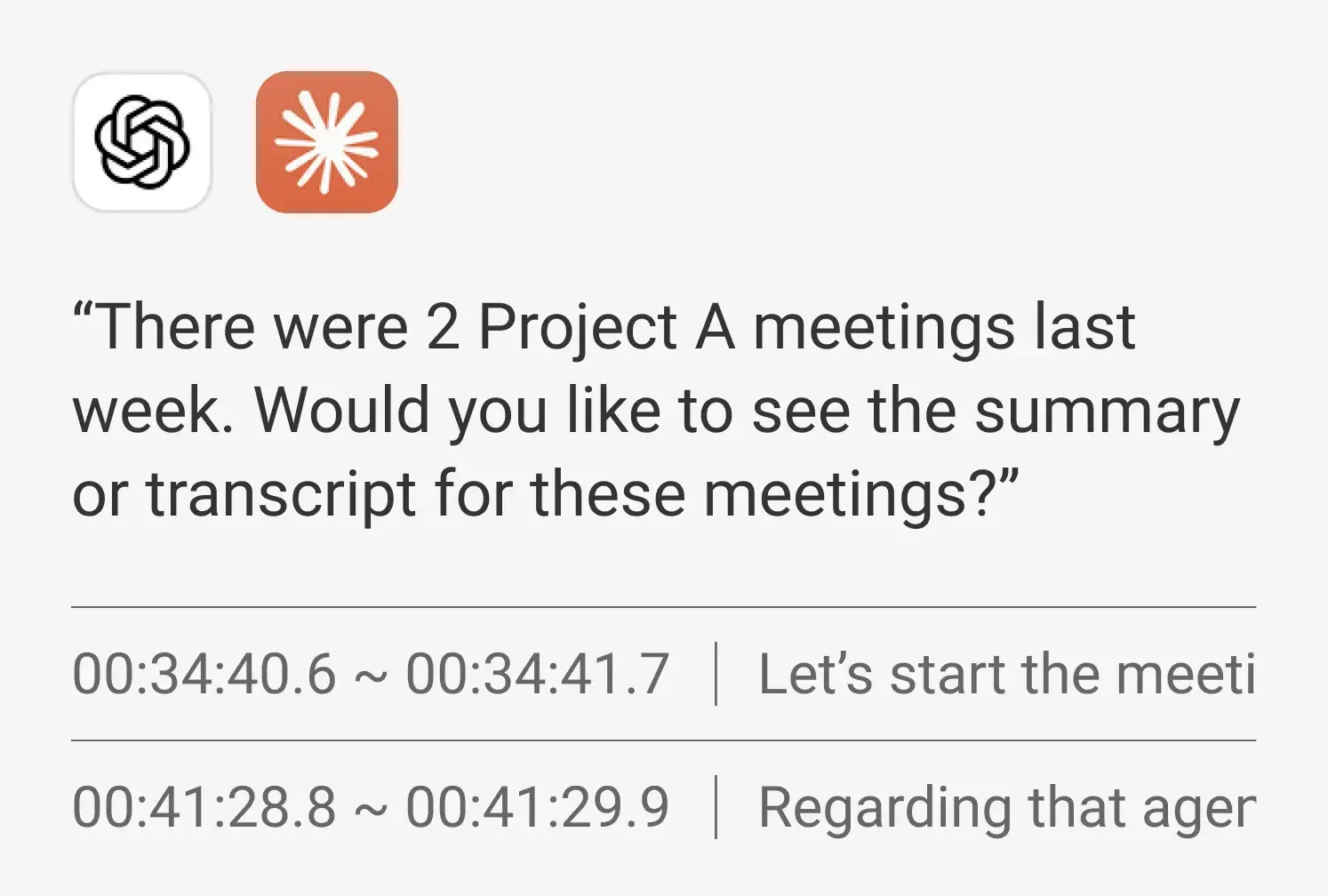
- Show me last week’s meetings for Project A
- What’s the date and attendee list for Project A’s weekly meeting?
- Pull out everything Employee A said in the transcript, with timestamps
- Summarize just the key discussion points from Project A’s weekly meeting
Meeting minutes creation, transfer & deletion
Automatically generate meeting minutes from a recording, then manage everything from re-summarizing to transferring and deleting them.
- Re-summarize yesterday’s team meeting in 3 key lines
- Move these minutes to the Group A workspace
- Delete last week’s team meeting minutes
* After final confirmation, deleted minutes move to the trash,
where you can restore or permanently delete them as needed.
Account & organization info lookup
Look up everything from your account info to workspace, group members, retention periods, and security policies — right in the chat.
- What’s my account info and permissions?
- What workspaces am I part of?
- Show me the teams I have access to and their members.
- What are the retention period and security policy settings for Group A?
See everything Airepoto MCP can do
From viewing and summarizing meeting minutes to creating, managing,
and checking your account — explore all 14 features.
-

Account & workspace
- Check my account
- View workspace list
- View group list
- Check group members
- Check group settings
-

View & summarize meeting minutes
- Search meeting minutes
- View details
- View transcript
- View AI summary
- Regenerate AI summary
-

Create meeting minutes
- Upload a recording
- Create new meeting minutes
-

Manage meeting minutes
- Move to another group
- Delete to trash (recoverable)
Can the AI meeting minutes tool your company
uses be easily used in ChatGPT and Claude too?
Your company’s official AI meeting minutes tool should connect with ChatGPT and Claude for added convenience
| Airepoto | Company T |
Company D |
Company C |
|
|---|---|---|---|---|
| Connection | ||||
| Claude connector | Supported | Supported | Not supported | Not supported |
| ChatGPT plugin | Supported | Not supported | Not supported | Not supported |
| Search & view meeting summaries | ||||
| Keyword search & AI summary lookup | Supported | Supported | Not supported | Not supported |
| Create, transfer & delete meeting minutes | ||||
| Create new meeting minutes | Supported | Not supported | Not supported | Not supported |
| Move meeting minutes to another workspace | Supported | Not supported | Not supported | Not supported |
| Delete meeting minutes | Supported | Not supported | Not supported | Not supported |
| Account & organization info lookup | ||||
| Look up my account, permissions & workspace | Supported | Supported | Not supported | Not supported |
| Look up group list & group members | Supported | Not supported | Not supported | Not supported |
- This comparison is based on features available directly in the chat window after connecting through each AI app’s official directory.
(Claude Connectors, ChatGPT Plugin Directory) - Current as of October 2026, and subject to change with service updates.
Connecting AI is simpler than you think
Connect Airepoto in just a few clicks, right from the chat window you
already use — no complicated installation required.
How to connect ChatGPT
Connect Airepoto now
-
STEP 01
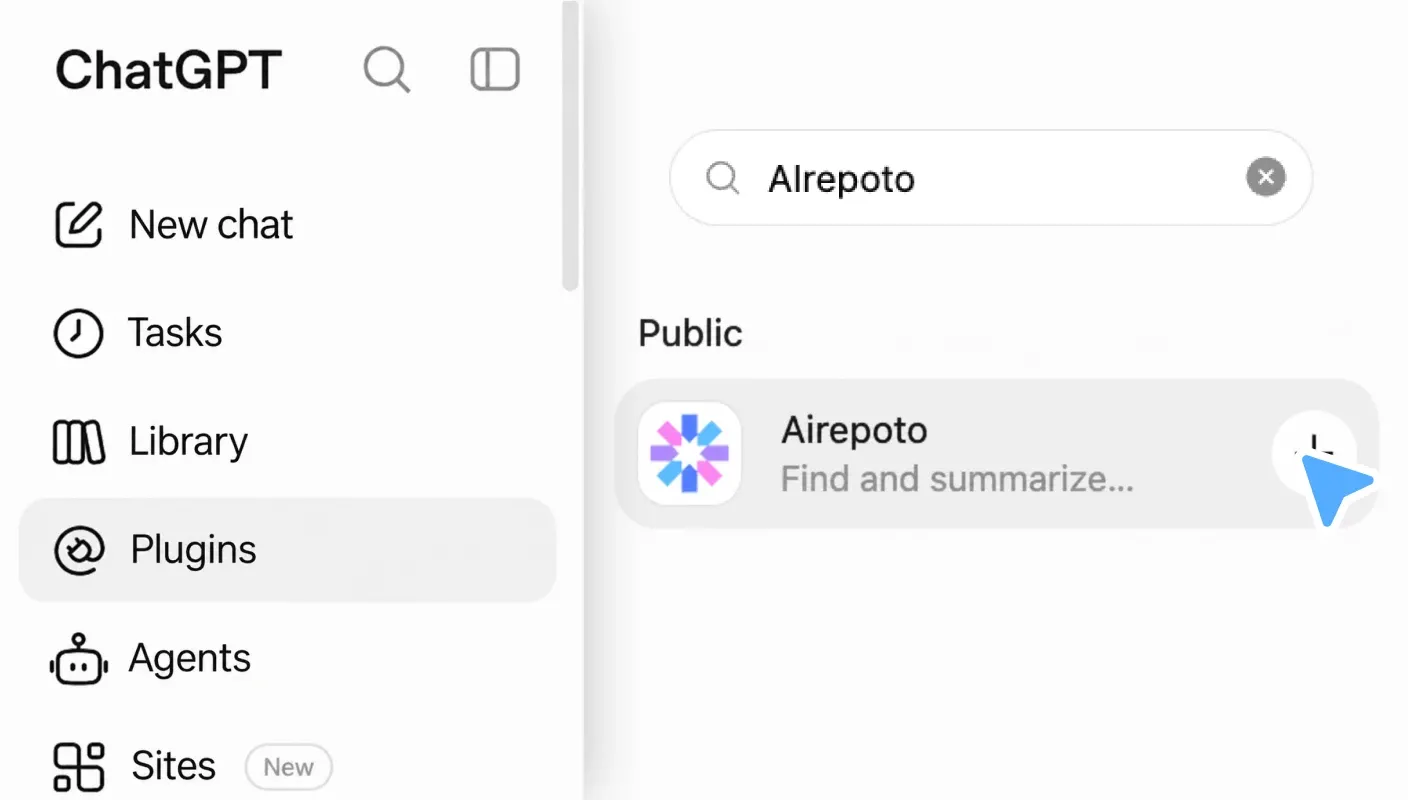
Search and select plugins
Open the Plugin Directory in ChatGPT web or desktop, then find and select Airepoto from the app list.
-
STEP 02
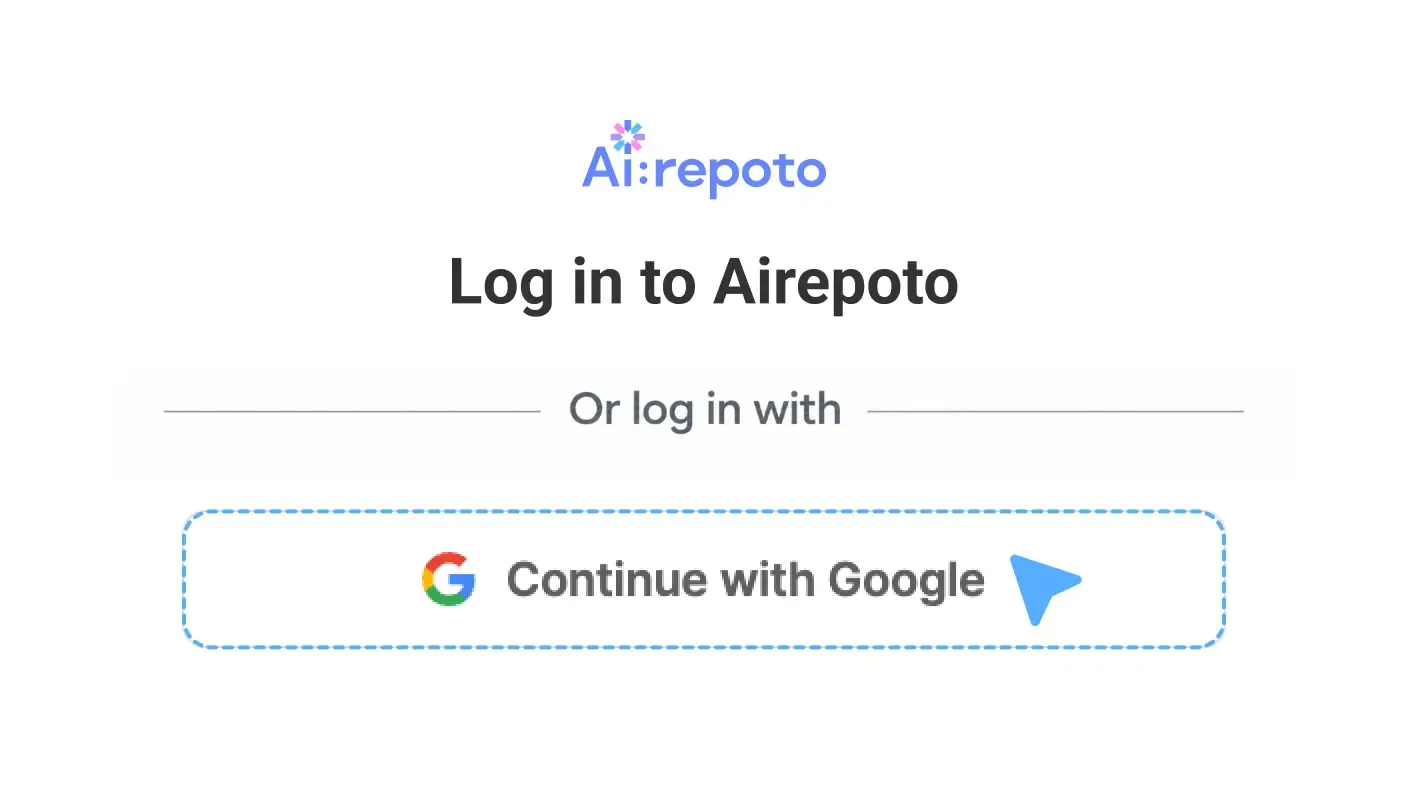
Install plugins and connect accounts
Click Install, then log in on the Airepoto sign-in screen with your Google SSO account and approve access.
-
STEP 03
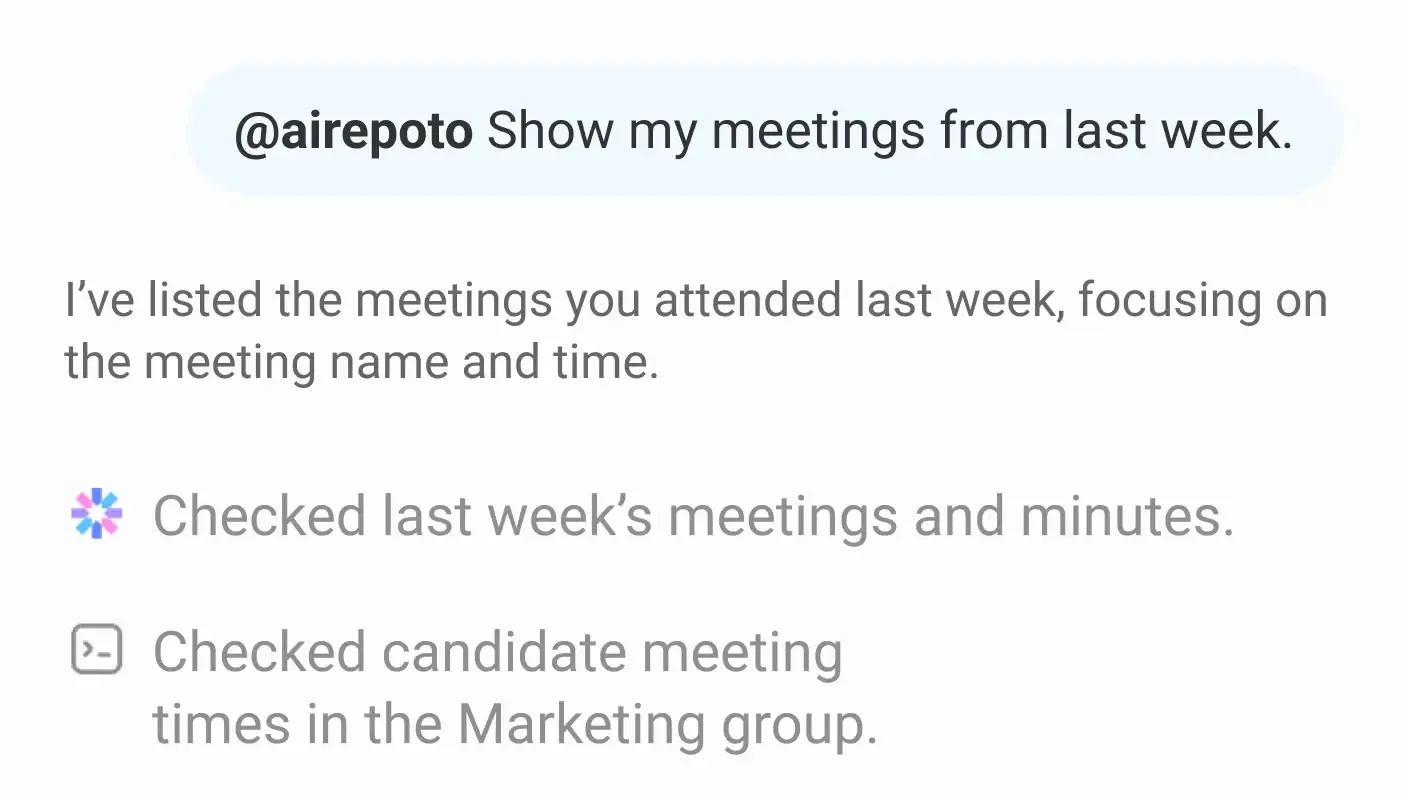
Use Airepoto in chat
Once connected, call Airepoto in the chat with an @ mention, or select it from + More.
How to connect Claude
Connect Airepoto now
-
STEP 01
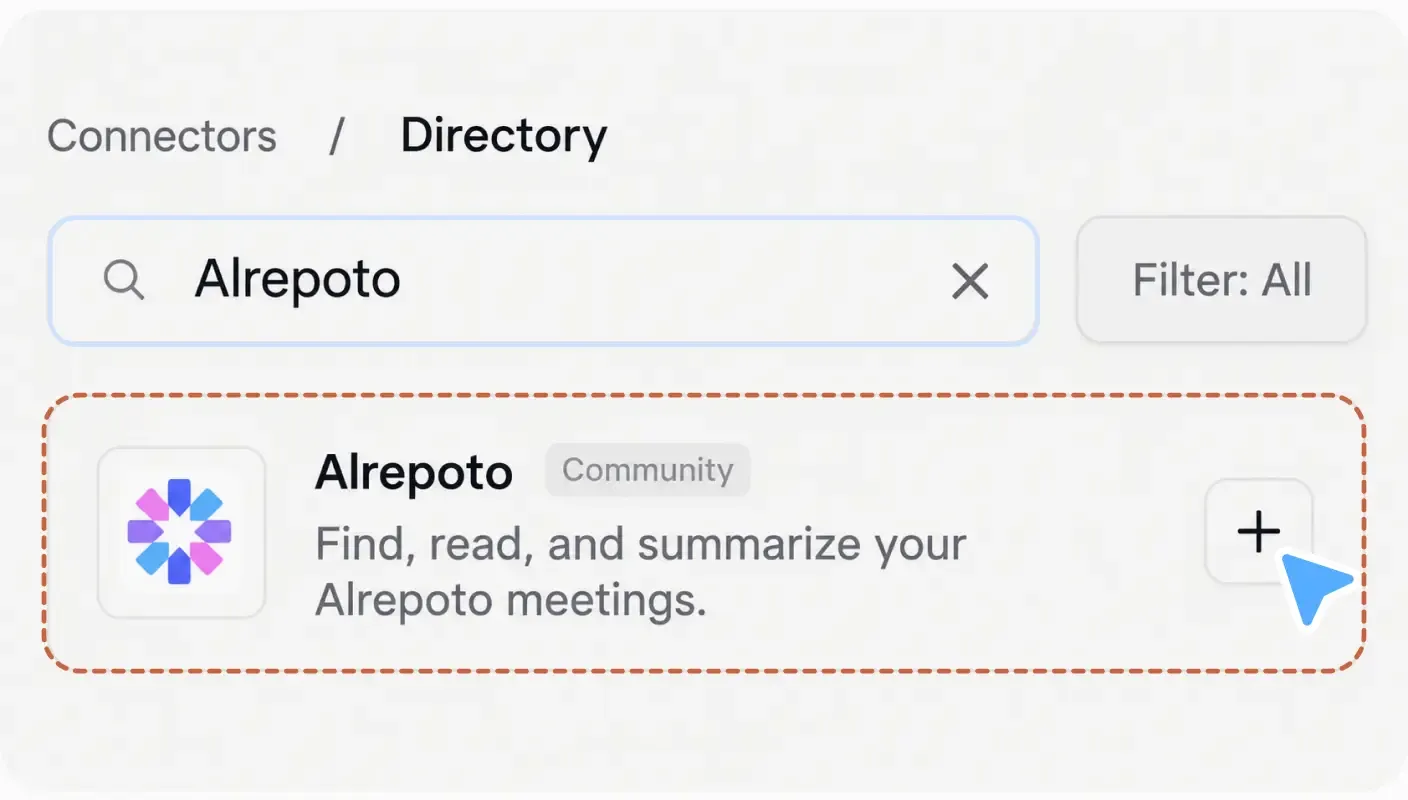
Search connectors
In the Claude web or desktop app, go to Customize Connectors and search for Airepoto.
-
STEP 02
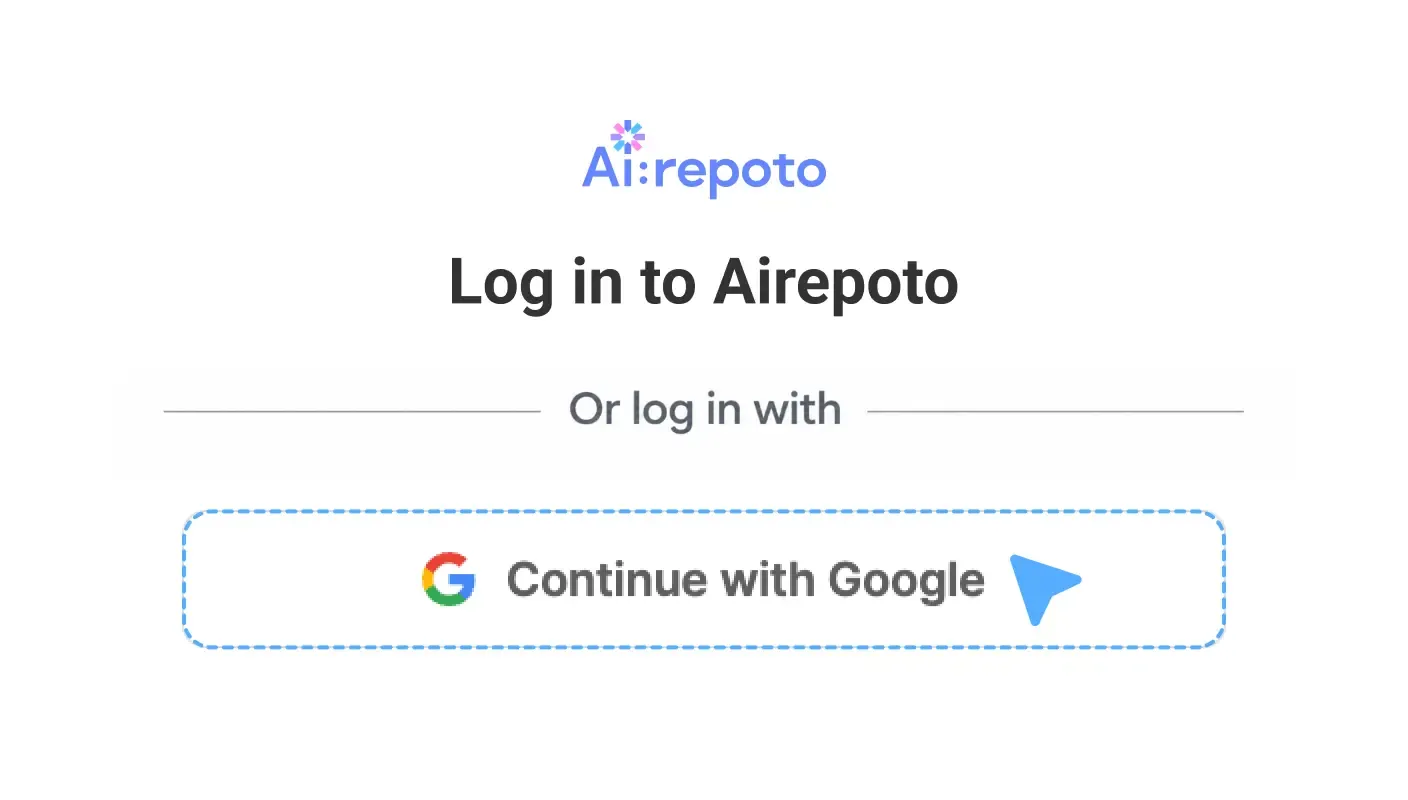
Connect your Airepoto account
Click Connect, then log in on the Airepoto sign-in screen with your Google SSO account and approve access.
-
STEP 03
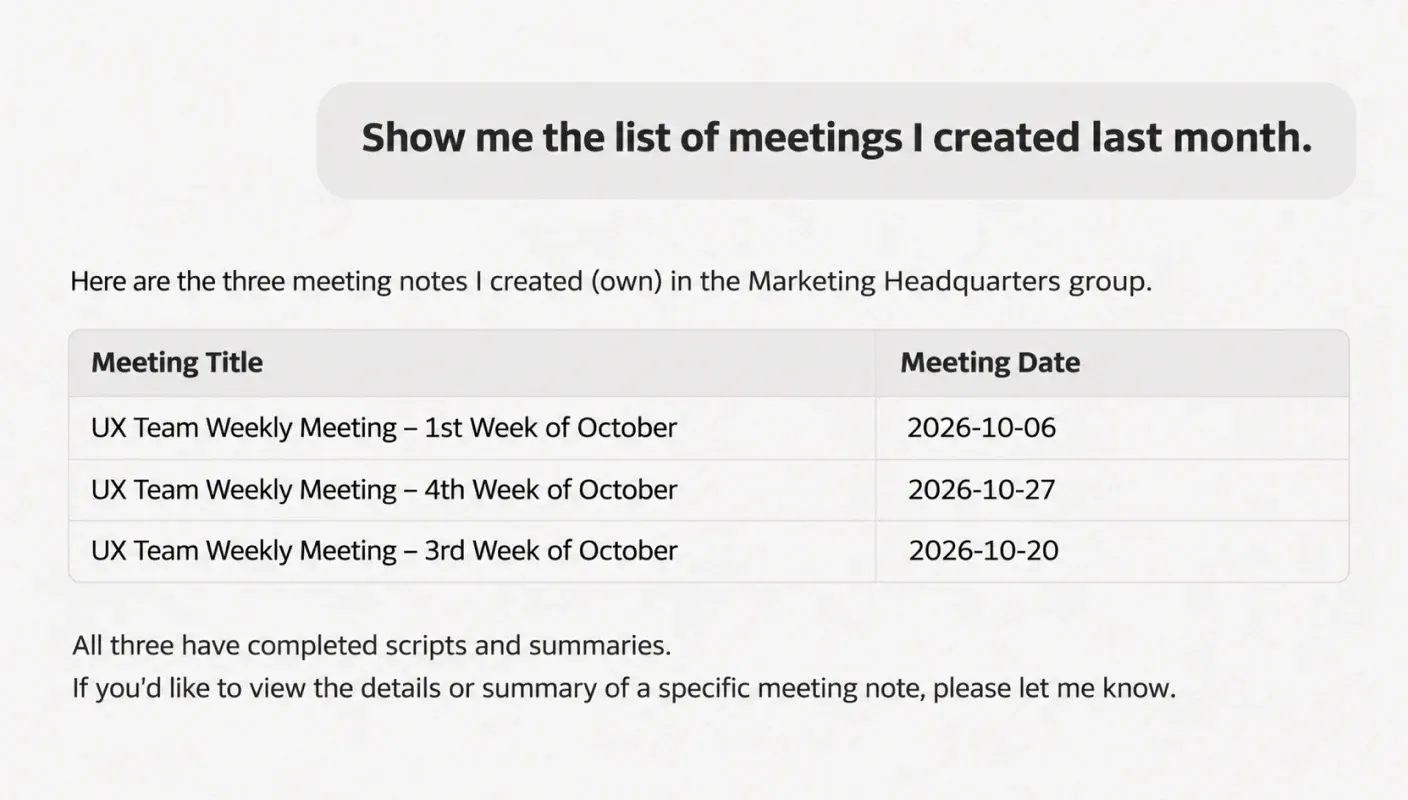
Use in chat
Once connected, use Airepoto directly in the chat with natural language.
From question to answer — here’s how conversational
AI and Airepoto work together
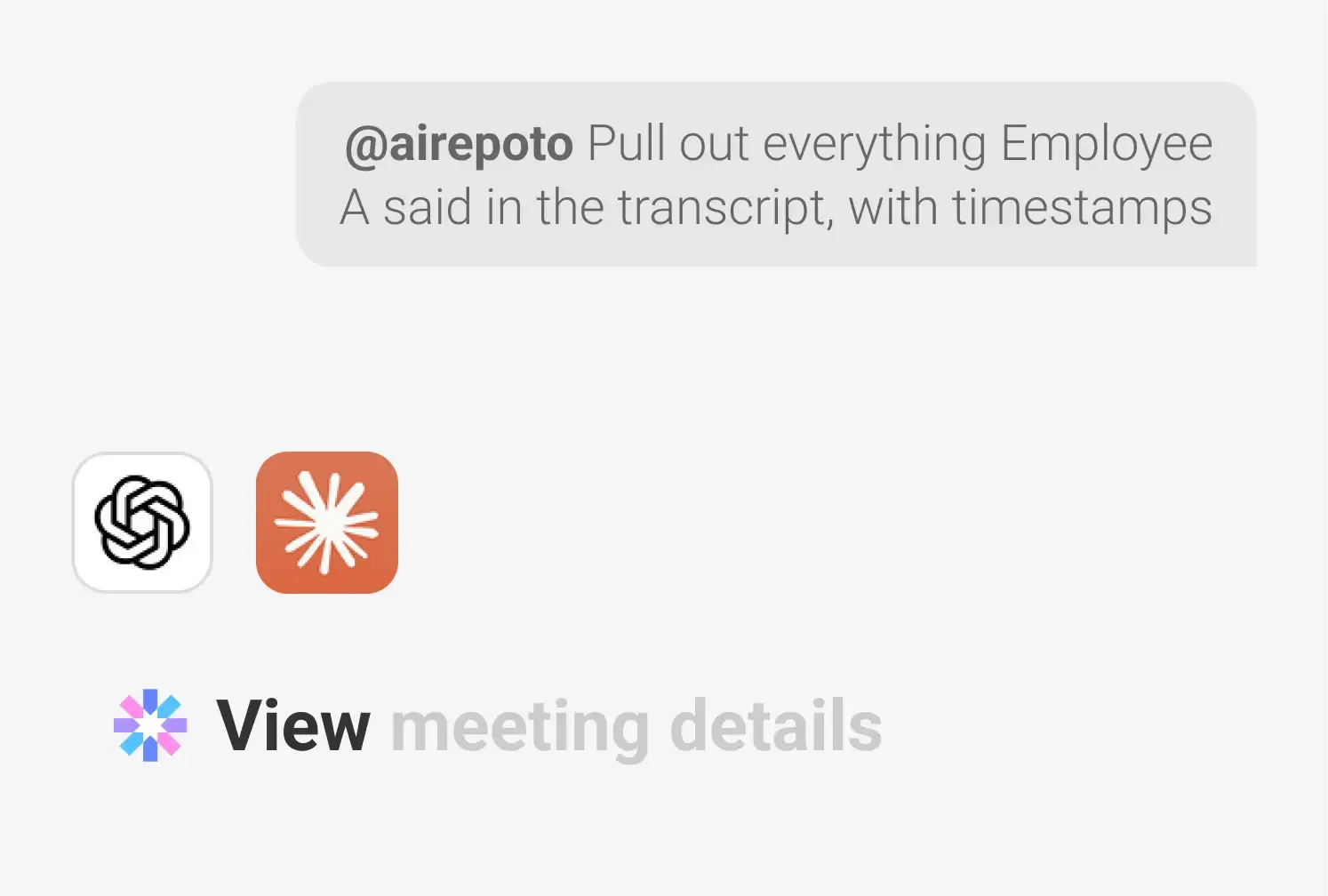
Call the right Airepoto feature
The AI automatically selects and calls the Airepoto feature that matches the user’s question and context.
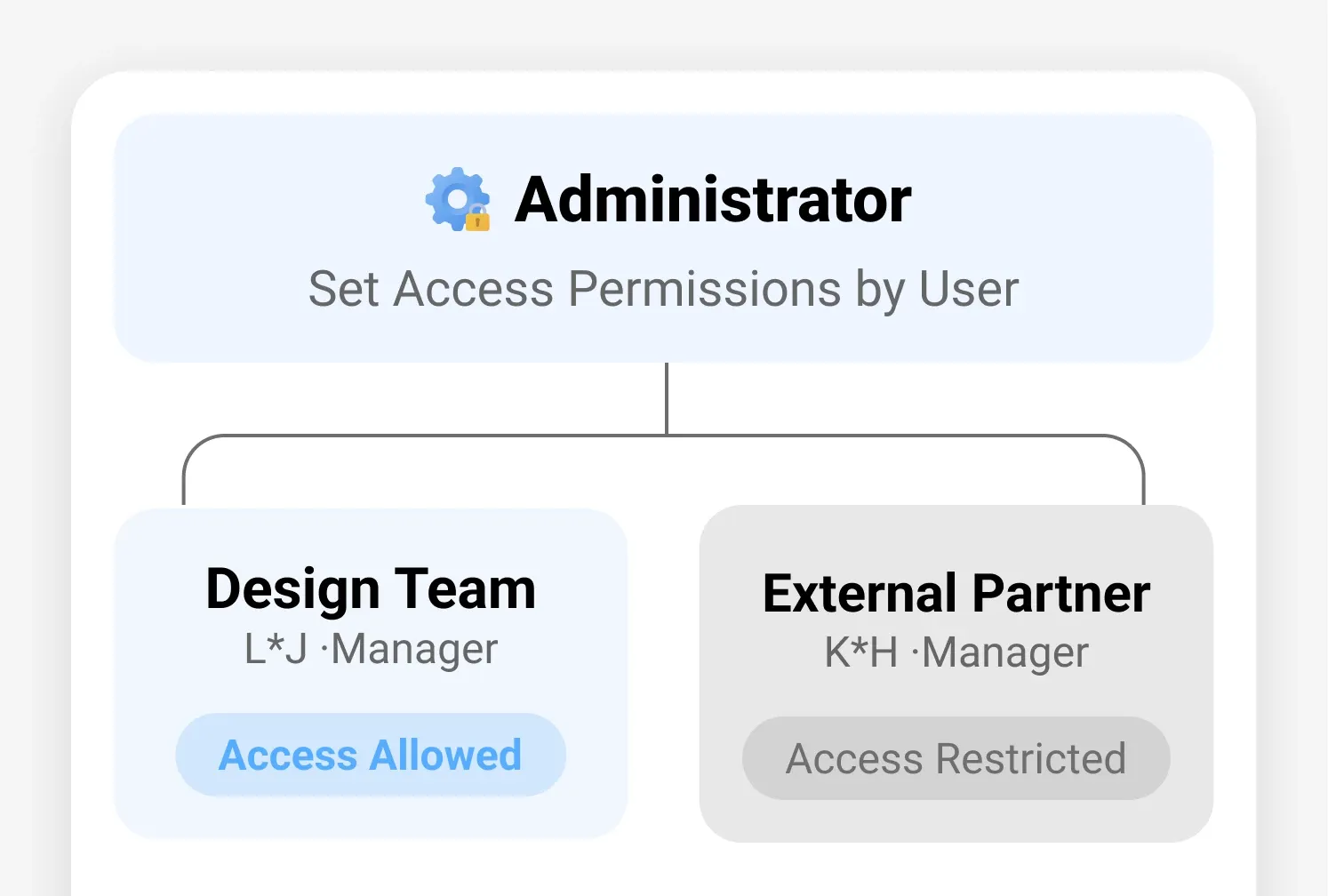
Permission-based access
Based on the user’s permissions, it accesses and retrieves only the meeting data they’re allowed to see.
Answer generation & delivery
Based on the data retrieved from Airepoto, it processes and organizes the information to show you the answer directly in the chat.
Meeting content is never stored,
and everything runs strictly within authorized permissions
A multi-layer verification system protects sensitive meeting data, granting access only to authorized users.

OAuth 2.1 + PKCE authentication
Applies global standard security protocols to thoroughly verify token signatures, expiration, and audience.

Secure login with Google SSO
Log in securely with your company Google account — no separate password to create or share with the AI.

Data relay architecture
MCP only relays requests — it never stores meeting content itself — and uses end-to-end TLS/HTTPS encryption throughout.

Abuse & anomaly detection
Instantly logs and detects token reuse
or abnormal access attempts.

Personal information masking in logs
Masks key personal information, such as email addresses, in audit logs to prevent data leaks.

Clear permission guidance
Clearly defines permissions for each lookup, creation, and deletion tool, so the AI understands intent before acting.
Airepoto doesn’t store meeting content separately — it only relays requests.
All processing takes place strictly within the user’s granted permissions, in compliance with our Privacy Policy and Terms of Service.
FAQ
-
Which conversational AI can I use this with?You can easily find and connect Airepoto through the ChatGPT Plugin Directory or the Claude Connectors.
-
How do I log in?Google SSO is supported, so you can securely sign in with a single click using your existing company Google account — no separate password or sign-up required.
-
Do I need to create a new account or migrate my existing meeting data?No. You can keep using your existing Airepoto account and meeting data as is — no separate data migration is needed.
-
I can’t create meeting minutes from a recording in the AIUploading recordings and creating meeting minutes through AI may be limited in the following cases:
ChatGPT: File upload and AI features may be limited depending on your plan. Upgrade to a paid plan to continue using this feature
Claude: File upload may be blocked depending on your account’s network access policy. If so, check with your admin whether the domain is allowed
If you can’t upload files through the AI for the reasons above, upload the recording directly in the Airepoto web or app
After uploading, you can continue viewing meeting minutes and AI summaries through ChatGPT or Claude -
If I delete a meeting record, is it permanently deleted right away?No. When you run a delete command, the meeting record moves to the Airepoto trash, where you can restore it anytime or permanently delete it if needed. You’ll be asked to confirm before the deletion runs.
-
Is meeting content stored or used for AI training?The Airepoto MCP doesn’t store meeting content separately — it only relays requests — and all processing happens strictly within the user’s granted permissions.
Smart meeting management, starting with a single question
With official ChatGPT and Claude integration,
make the most of your company’s meeting data more easily and conveniently.
• Purpose of Collection & Use: Review and response of inquiries and results
• Retention & Use Period: Retained for 1 year after the inquiry review is completed
※ You have the right to refuse consent to the collection and use of personal information. However, if you refuse consent, you will not be able to submit your inquiry.
※ For more details, please refer to our Privacy Policy (https://www.rsupport.com/en-us/privacy/).
Running the command registers Airepoto
-
1. Check registration
Normal if ! Needs authentication appears
-
2. Sign in
Run claude type /mcp Airepoto Authenticate
Sign in with your Airepoto account in the browser
-
3. Start using it
Ready to use once claude mcp list shows Connected
Running the command registers Airepoto
-
1. Check registration
Normal if airepoto appears in the list
-
2. Sign in
Sign in with your Airepoto account in the browser
-
3. Start using it
Ready to use once codex mcp list shows Status Auth